



















Skip to content
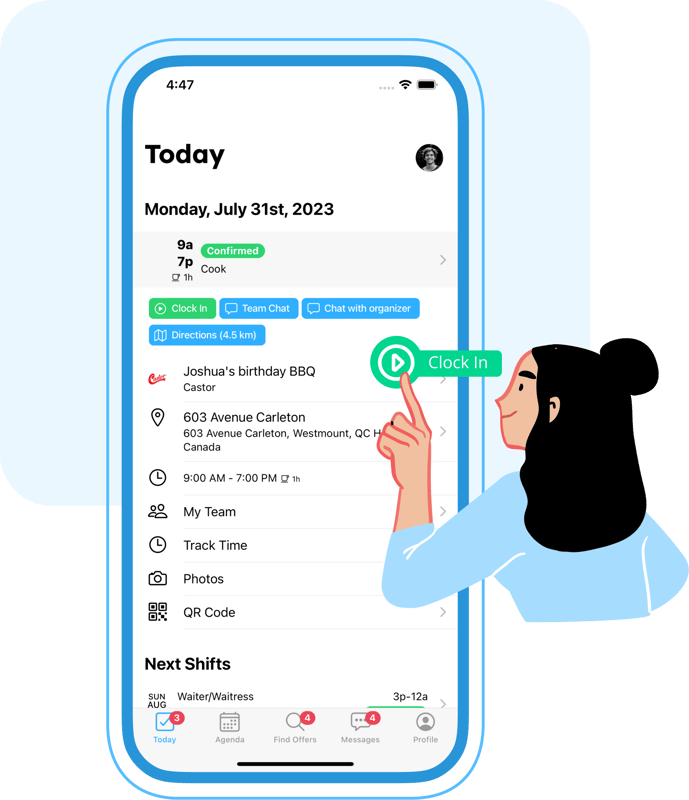
Illustration of the employee time tracking app showing mobile clock-in and timesheets

Employee Time Tracking App

Maximize your team's productivity with Workstaff – the perfect solution for efficient time management. Our user-friendly app allows employees to clock in and out from their mobile phones, while pre-filled timesheets and accurate time tracking ensure that payroll is always spot-on.

5-star customer rating illustration

SOME OF OUR VALUED CUSTOMERS

  • Titan
  • Société Traiteur
  • Athena
  • Stellar
  • Tango Tango
  • Staff
  • Montreal Alouettes
  • Université Laval
  • Roses de Montréal
  • BBW International
  • PromoStaff
  • Carnaval de Québec
  • Activation House
  • Samajam
  • Celcius
  • Modus Operandi Logistique
  • Olive Orange
  • La Firme Evenementiel
  • Rescousse Sante
  • SGM

MOBILE APP FOR IOS & ANDROID

Accurate Time and Attendance Tracking

Workstaff makes sure your team clocks in and out and lets you know in real time if something needs your attention.

Icon representing the built-in mobile clock-in and clock-out feature

Built-In Clock In / Clock Out

Let your staff clock in directly from the mobile app, with rounding rules and automatic adjustments

Icon representing automated push notifications and reminders for staff

Automatic Reminders

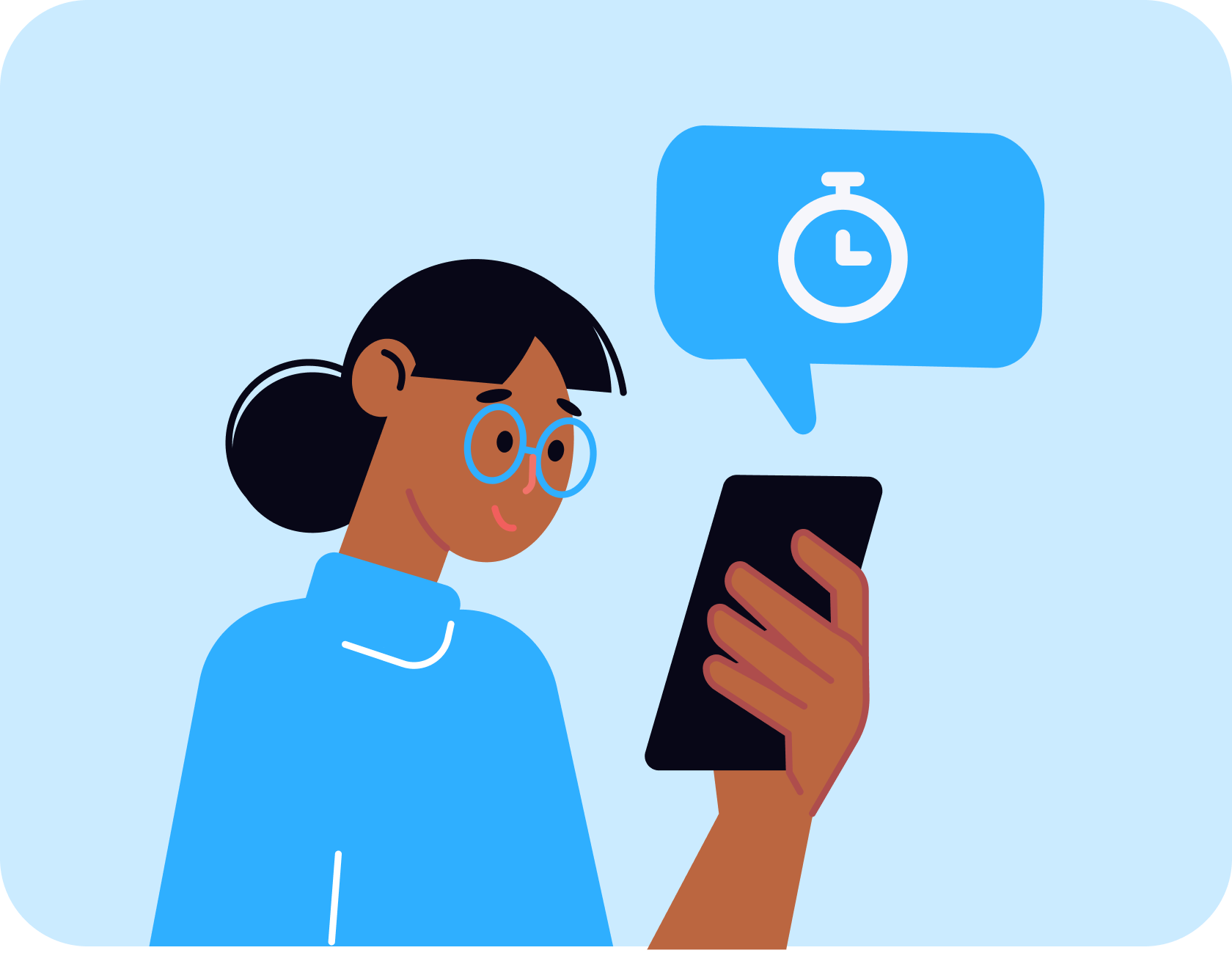
Timely push notifications remind staff of clocking in before their shifts and when they forget

Icon representing geo-tagged and QR code-based attendance tracking

Geo-tagged or QR code-based clock in

Improve trust via geo-location and in-person QR code scanning

Icon representing real-time staff presence and status reporting

Live presence reporting

Know exactly who's on the job, if they clocked in or our late or early.

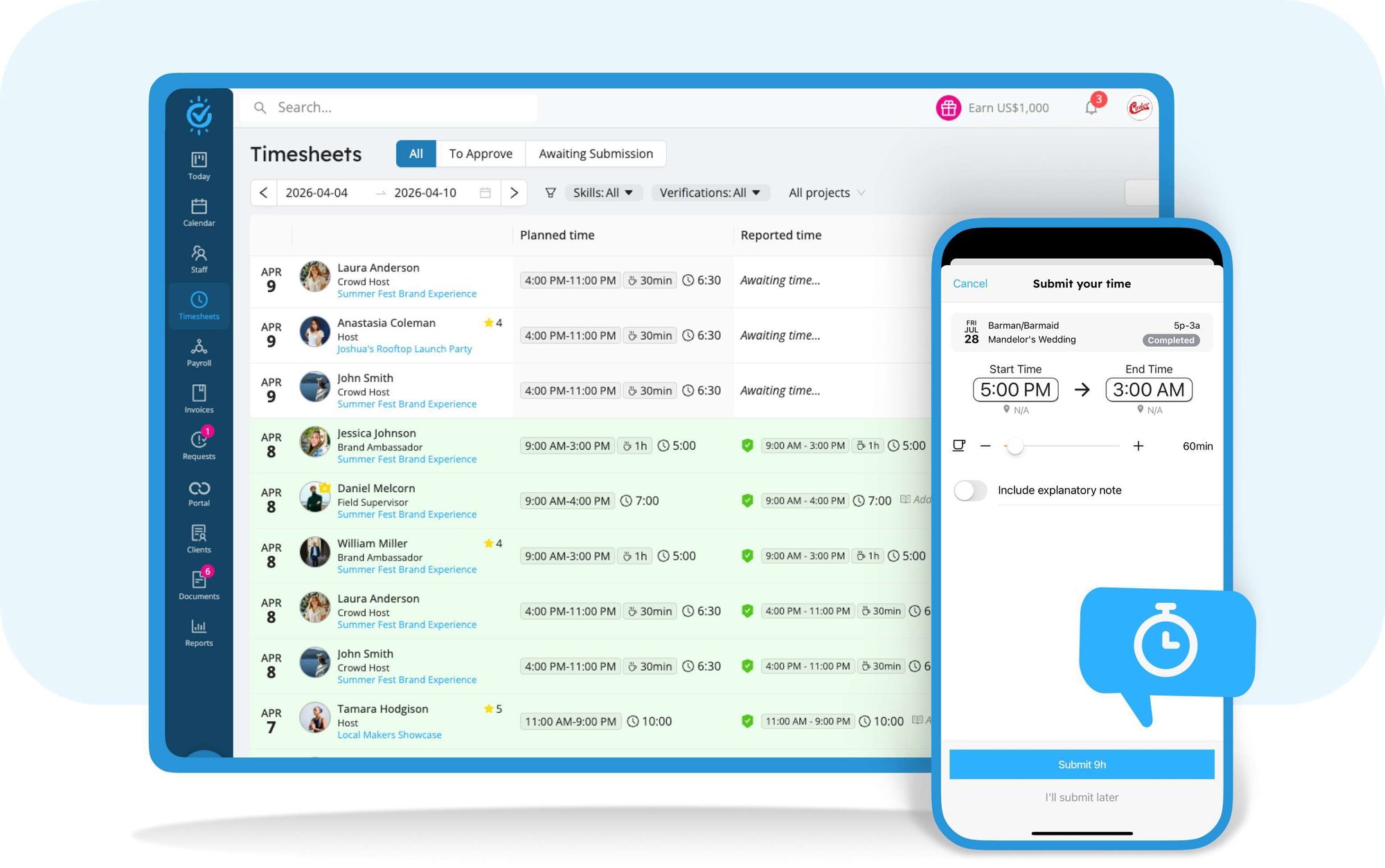
Interface screenshot showing accurate online timesheets management

Keep Your Team on Track With Accurate Online Timesheets

Workstaff keeps busy even after all your team has clocked out by ensuring timesheets are submitted and approved. It even helps your contractors create and submit their invoices from approved hours.

online-timesheets-1
  • Reminders to submit timesheets
  • Automatically filled timesheets based on clocked time
  • Timesheet management made easy
  • Exportable timesheet reports
Illustration showing the integration between timesheets and payroll processing

Integrate online timesheets with payroll

Say goodbye to the hassle of manual payroll processing. With Workstaff, your next payroll can be handled in minutes. Our efficient timesheet and pay calculation system will save you time and headaches.
  • Payroll inconsistency and missing data check
  • Easily differentiate complete and incomplete projects
workstaff-logo

Why use time tracking software?

  • Quick booking
  • Timesheet management
  • Reminders and notifications
  • Instant messaging & broadcasts
  • Various clock in/out modes
  • Easy staff access to schedules and offers
  • Mobile app for workers and managers
  • Availability control
  • Reports exports

Frequently Asked Questions

How does time tracking work in Workstaff?

Time tracking in Workstaff enables your staff to clock in and clock out of their shifts directly from their mobile phones. As an employer, this feature automates workforce time calculations by replacing manual paper timesheets with accurate, centralized data.


What clock-in methods are available for the staff?

The mobile app provides multiple clock-in options based on your settings. Your staff can clock in using a button with geolocation validation, or by scanning a project-specific QR Code that you have downloaded and displayed on the job site.

How can I see who is on-site in real-time?

The Live time tracking feature lets you see exactly who is currently working. By checking the Today section on your dashboard, staff attendance is automatically updated as workers clock in, giving you complete visibility over your event as it unfolds.

What happens after a staff member finishes their shift?

The employee is prompted to submit a timesheet directly from their mobile device to confirm their actual worked hours. This submission instantly appears in your main Time Tracking tab under the To approve filter.

How does Workstaff help identify discrepancies or late arrivals?

Workstaff performs automated Checks comparing the scheduled time against the submitted time. The system shows a green Pass icon if the time and geolocation match perfectly. If there is a discrepancy in time or GPS distance, a red Fail icon alerts you. You can then edit the timesheet before choosing to Approve it.

Explore More

Payroll

Payroll

Effectively manage payroll with ease.

Scheduling

Scheduling

Efficiently plan and schedule staff.

Communication-app

Communication

Centralize communications with your extended team.