
























Skip to content
Illustration of field reports feature showing data collection and analytics on mobile and desktop

Field Reports: Get a Clear View of
Your On-Site Operations

Track performance in real time. Gain valuable insights after every mission.

With Workstaff’s Field Reports, collecting and analyzing on-site data has never been easier. Whether you’re measuring campaign impact, gathering feedback, or sharing reports with clients, our intuitive feature ensures seamless data collection—so you always have the full picture.

5-star customer rating illustration

SOME OF OUR VALUED CUSTOMERS

  • Athena
  • PromoStaff
  • Celcius
  • Activation House
  • Roses de Montréal
  • Staff
  • Samajam
  • Olive Orange
  • La Firme Evenementiel
  • Stellar
  • Tango Tango
  • Société Traiteur
  • Montreal Alouettes
  • Université Laval
  • Titan
  • Carnaval de Québec
  • BBW International
  • Modus Operandi Logistique
  • SGM
  • Rescousse Sante

Simplified Field Operations Tracking

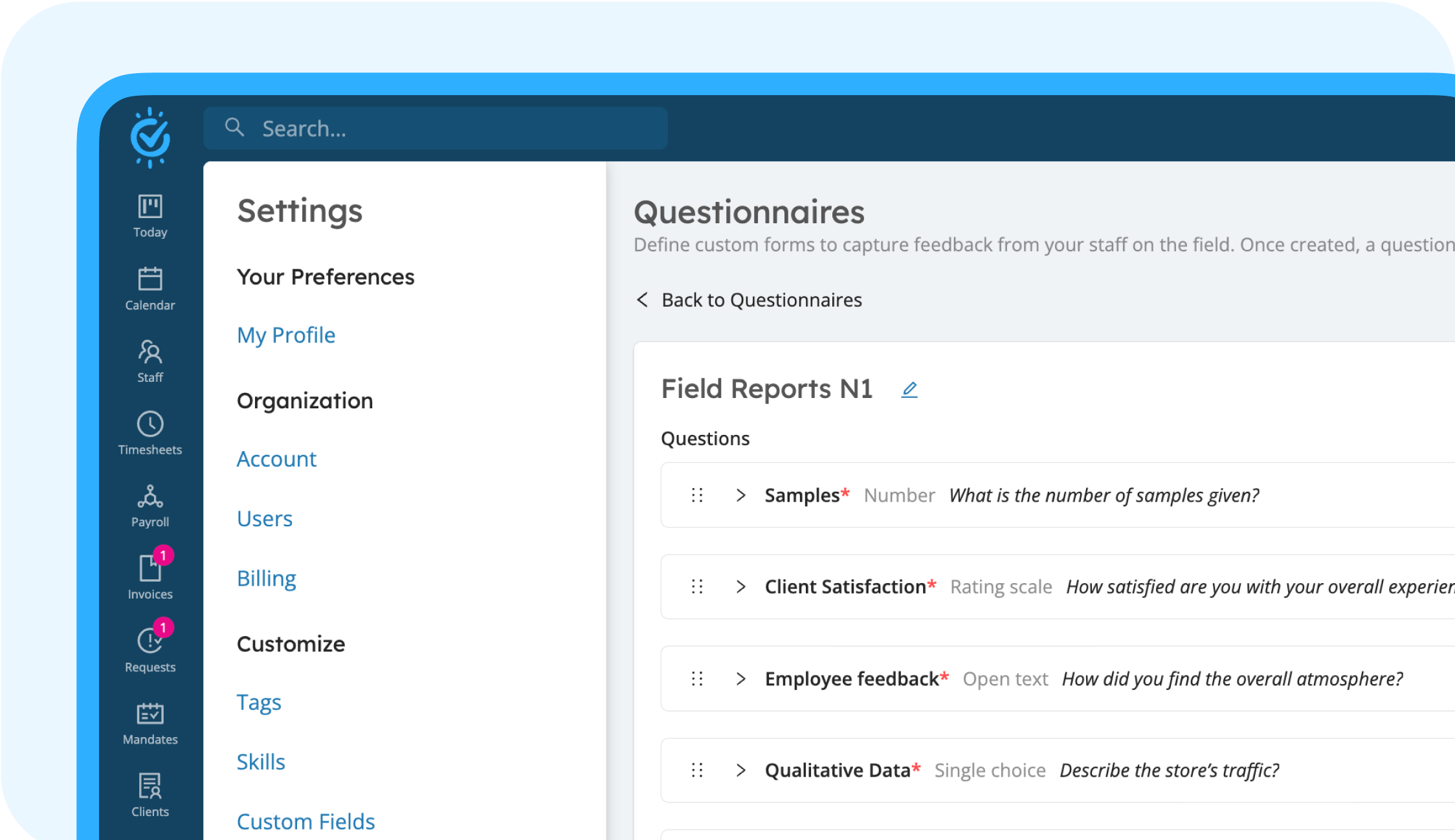
Stay in control of on-site activities with structured reports. After each shift, employees complete a quick questionnaire, providing you with instant insights into their performance and experiences.

Interface screenshot showing a structured field report questionnaire
Icon representing simple and fast data collection forms

Fast and Intuitive Data Collection

A simple form that takes just seconds to complete.

Icon representing real-time data visualization and dashboards

Actionable Data Immediately

View real-time results directly on your dashboard.

Icon representing customizable questionnaire fields

Advanced Customization

Tailor questionnaires to meet the specific needs of each project.

Mobile-Friendly Field Reports

Quick, accurate field reports—anytime, anywhere.

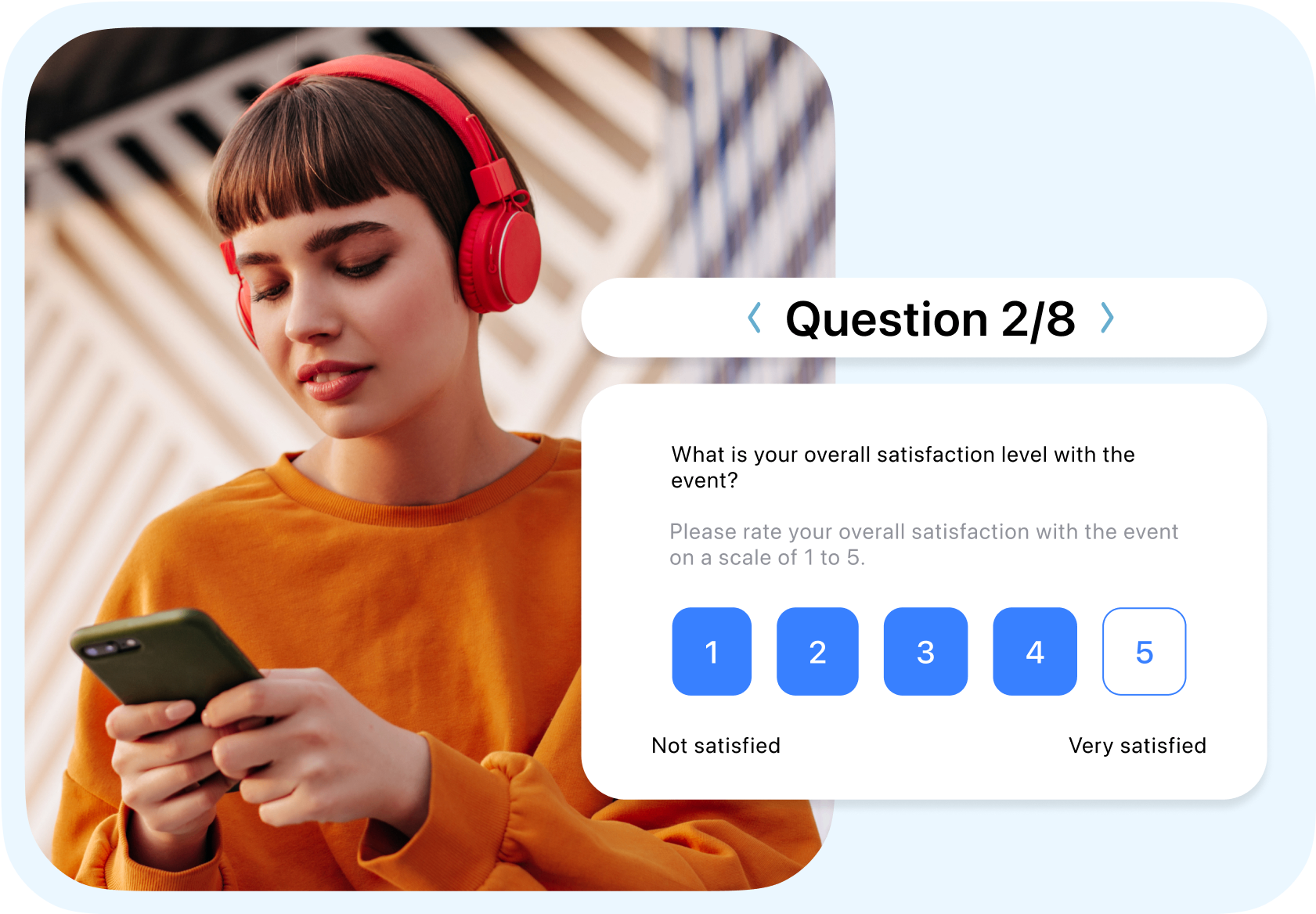
With Workstaff’s mobile-first design, employees can submit reports right after their shifts, ensuring accurate, real-time reporting for better decision-making.

Icon representing quick report submission from the app

Quick Reports

Fill out and submit reports directly from the app.

Icon representing photo uploads to field reports

Photo Uploads

Illustrate each mission with on-site images.

Icon representing instant real-time data synchronization

Instant Sync

Reports are transmitted in real time for immediate visibility.
Workstaff mobile interface showing a worker submitting a field report

Photo Sharing

Give clients and managers a clear, visual understanding of on-site activities.

  • Staff upload images to document their tasks and capture key moments from the event.
  • Photos are seamlessly integrated into reports for easy client sharing.
  • Managers gain real-time visibility into field operations.
Illustration of photo sharing capabilities within field reports for client visibility
workstaff-logo

Has It All Planned

  • Quick booking
  • Timesheet management
  • Reminders and notifications
  • Instant messaging & broadcasts
  • Various clock in/out modes
  • Easy staff access to schedules and offers
  • Mobile app for workers and managers
  • Availability control
  • Reports exports

Frequently Asked Questions

What is the purpose of the Field Reports add-on in Workstaff?

The Field Reports add-on allows you to collect structured, standardized feedback from your staff while they are on the job. It replaces scattered text messages and emails, giving managers real-time visibility into operations and making data-driven decision-making much easier.

How do I create a report form for my team?

You design forms by creating a Questionnaire in your settings. You can customize it by adding various question types: open text, number, multiple choice, single choice, or rating scale. Once completed, this Questionnaire can be applied across any project.

How do I assign a field report to a staff member?

Report assignment is highly flexible. You can link a default Questionnaire to a specific client, assign it globally in a project's settings (even filtering by specific skills), or manually request it for a specific booking/assignment. You also define the response deadline and whether it is mandatory.

When does the staff member fill out the report?

Staff complete the reports directly on their mobile app. If the response is required, the system will prompt them to fill out the field report immediately after they submit their timesheet. It will also appear as a pending item in their task list under the Today tab.

Can I share these field reports with my clients?

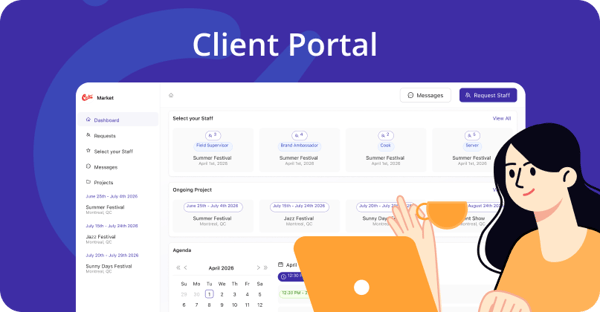
Yes, you can easily share responses if you have the Client Portal add-on enabled. By navigating to the Field Reports tab of your project, you can review the submitted data and check the Shared with client box to instantly make that specific report visible on your client's portal.

Explore More

Payroll

Payroll

Effectively manage payroll with ease.

Scheduling

Scheduling

Efficiently plan and schedule staff.

time-tracking

Time Tracking

Tracking  Accurately track time worked with automated time sheets.