
















SOME OF OUR VALUED CUSTOMERS
Simplify Recruitment with Google Forms Integration
Streamline your hiring process by collecting essential information effortlessly—right from the application stage.
- Save time: automatically generate staff profiles from Google Form responses, eliminating manual data entry.
- Customize with ease: tailor forms with custom fields to collect exactly the information you need.
- Effortless collection: share a simple link and gather responses seamlessly—no back-and-forth emails.

Centralized Document Management
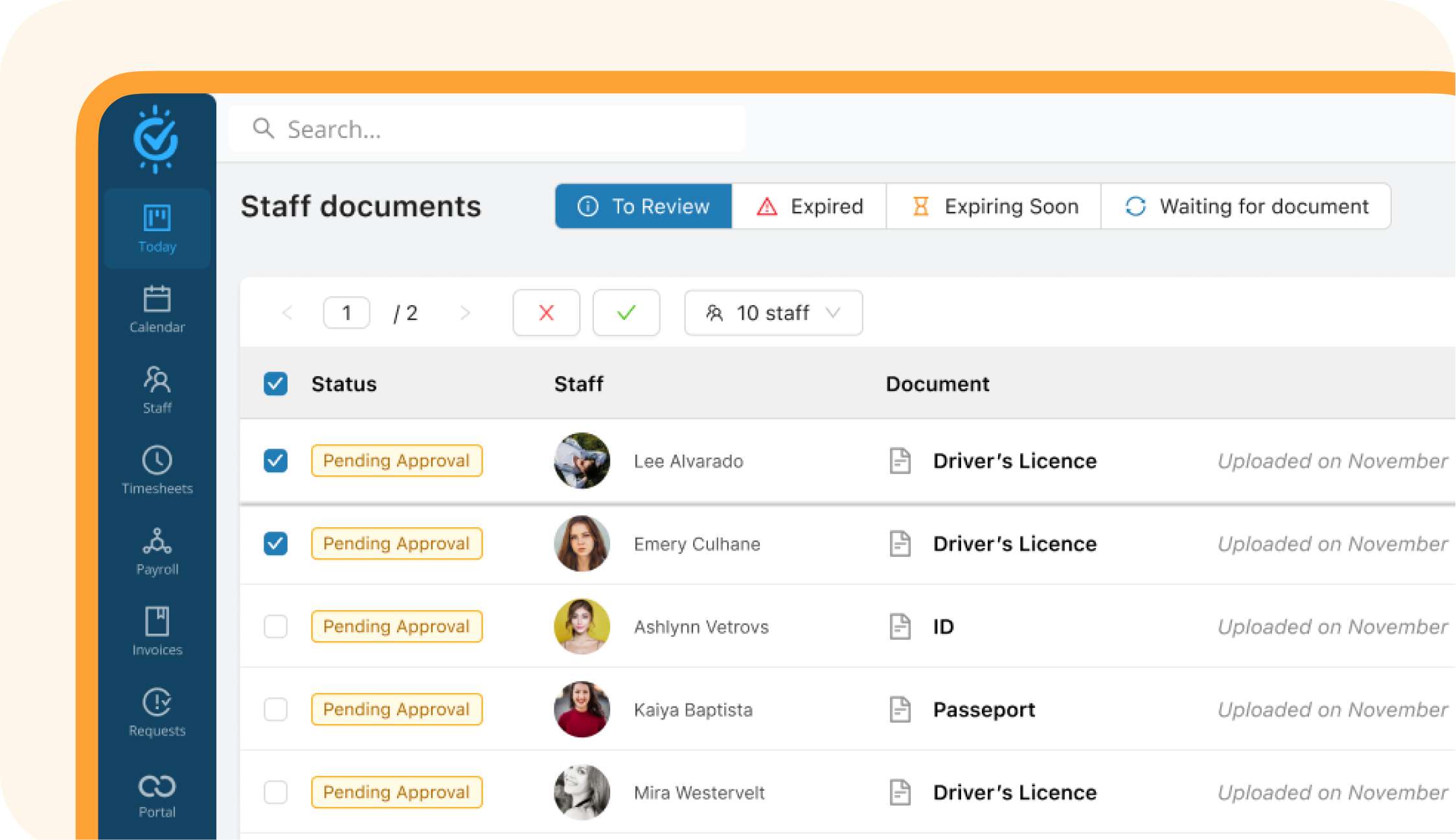
Store, track, and manage all staff documents in one place.
Total centralization
Access certifications, licenses, and contracts instantly.
Expiring document alerts
Stay compliant with proactive renewal reminders.
Fast validation
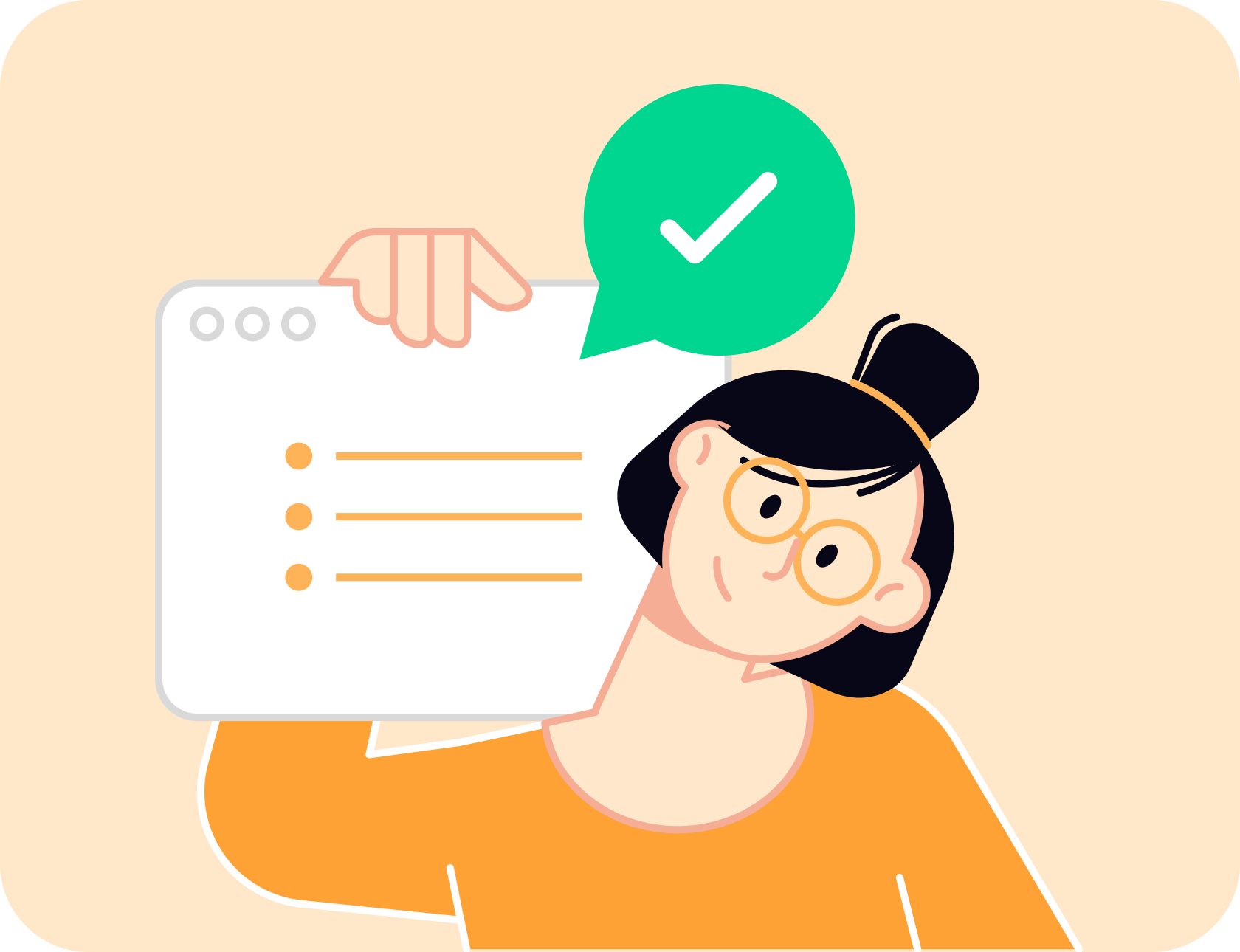
View, approve, and update documents with ease.
Optimized Mobile
Experience for Workers
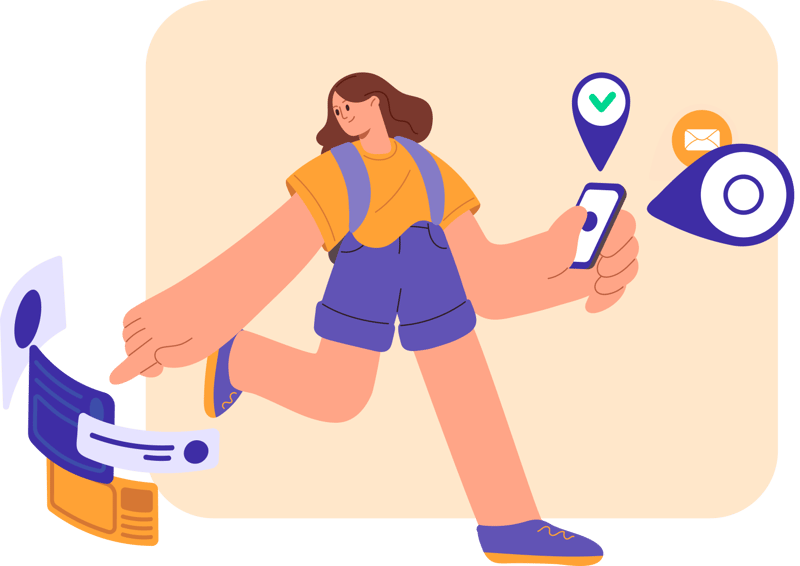
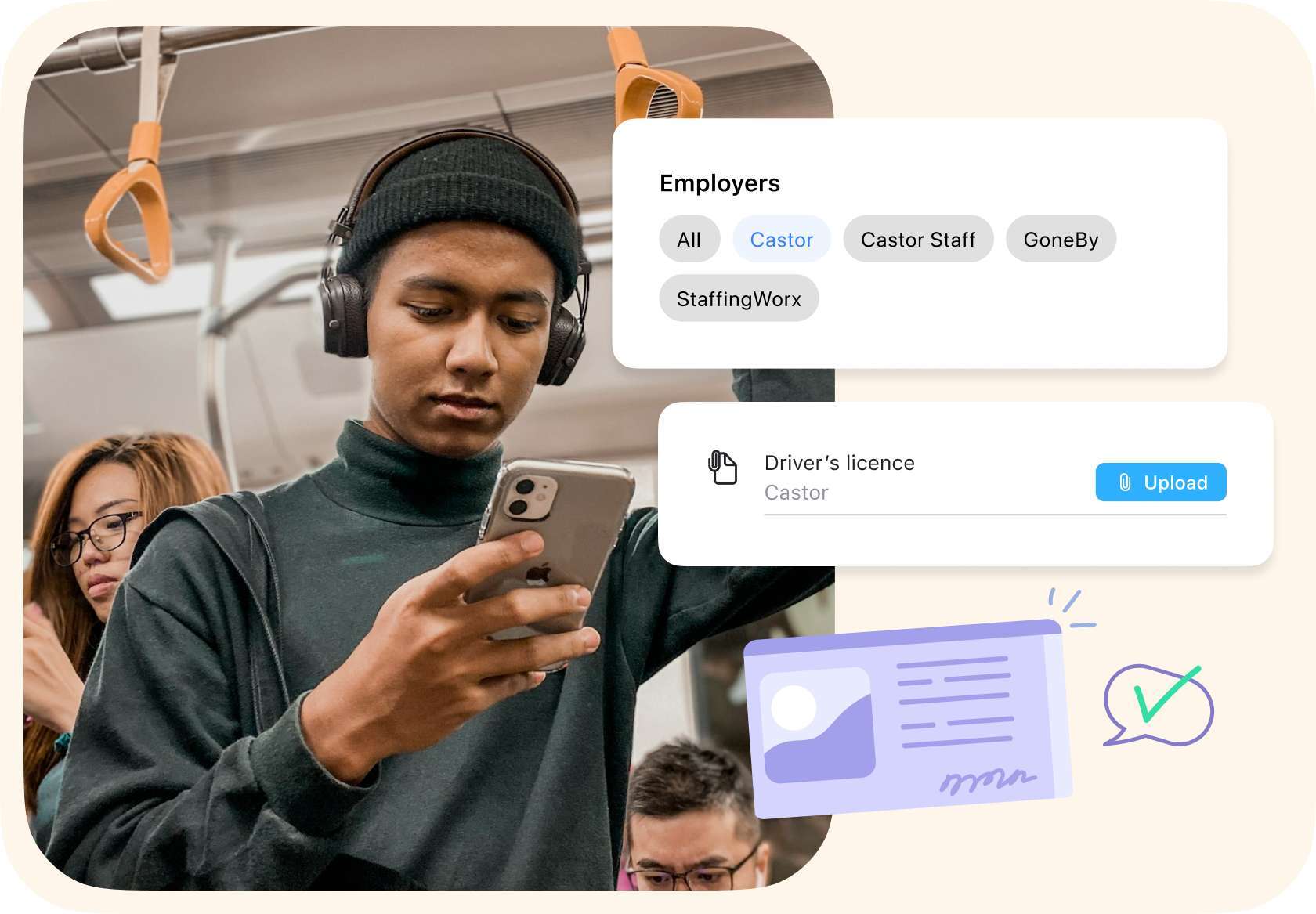
With the Workstaff app, employees can manage their documents easily, wherever they are.
Instant uploads
Take a photo or import a file in seconds.
Automated notifications
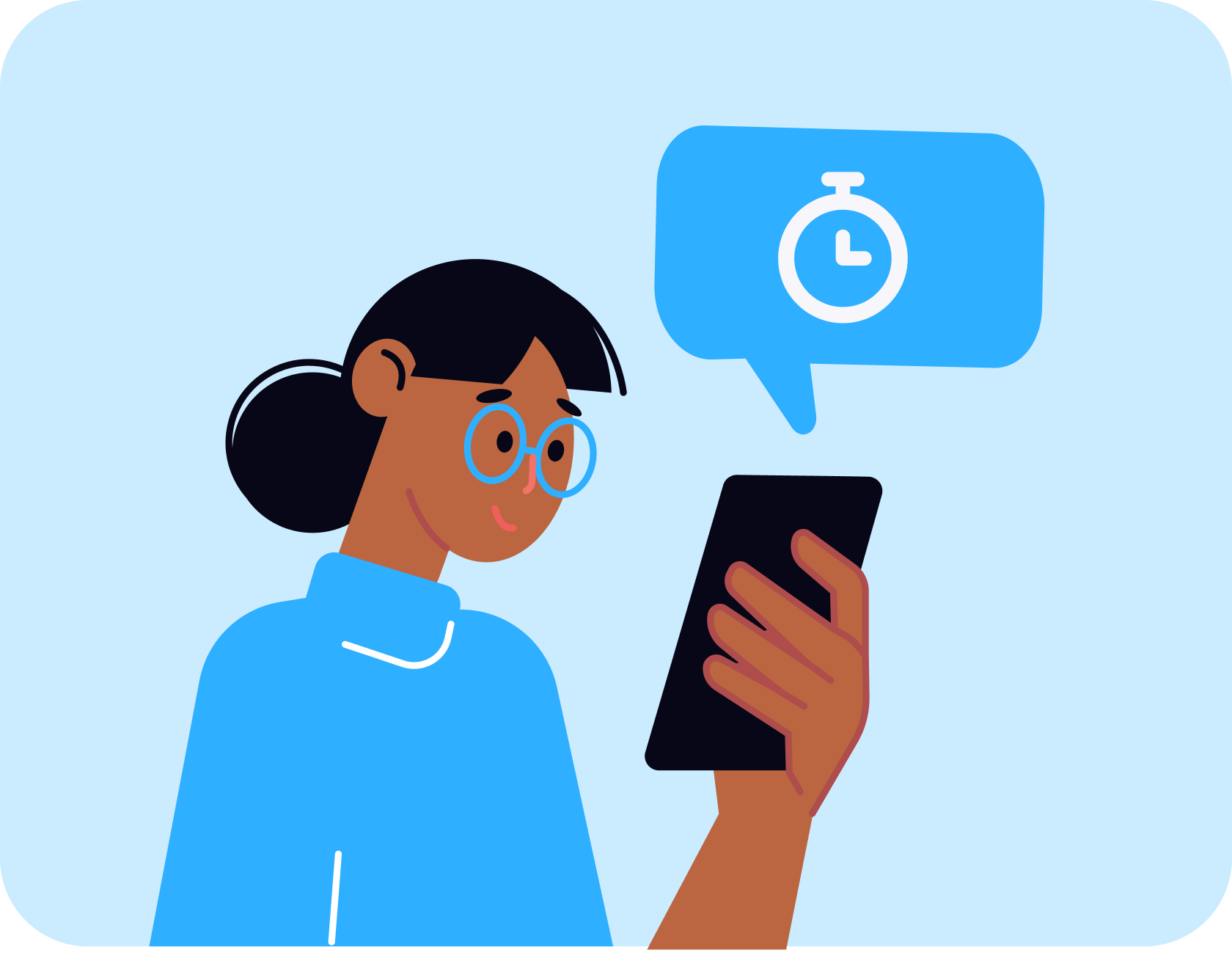
Receive reminders for expiring documents.
Secure access
Files are always available, stress-free.
Has It All Planned
- Quick booking
- Timesheet management
- Reminders and notifications
- Instant messaging & broadcasts
- Various clock in/out modes
- Easy staff access to schedules and offers
- Mobile app for workers and managers
- Availability control
- Reports exports
Frequently Asked Questions
How does the digital onboarding process work in Workstaff?
Onboarding in Workstaff is a 100% paperless process that combines automated data capture via Google Forms and compliance management through the Documents add-on. This workflow creates a complete staff profile, including skills and supporting documents, with zero manual data entry.
How can I automate profile creation for new applicants?
Automation is handled by the Google Forms Add-on. By linking an application form to Workstaff, every submission automatically creates a new staff profile. Form responses are mapped to populate identification fields, skills, and tags instantly.
How do I collect required documents during onboarding?
Document collection is managed via the Documents add-on within the staff profile. By selecting Request a document, managers trigger an instant notification on the worker's mobile app. The worker can then upload files (e.g., ID, certifications) directly from their phone.
What is the verification process for new hire documentation?
Managers use a centralized approval flow to review all submissions. Once a file is uploaded, its status changes to Pending approval. You can then Approve, Reject, or request a new version, ensuring every worker is compliant before their first shift.
How does Workstaff maintain long-term document compliance?
Workstaff automatically tracks expiration dates for all collected documents. Staff receive clear notifications up to 30 days before a record becomes Expired, ensuring your workforce remains qualified and ready for scheduling.