Copy this code bellow and paste it in your menu item label
Product Features
Explore All Features
Mega menu 2
Copy this code bellow and paste it in your menu item label
By Industries
Are you an agency looking for better staffing solutions?
Mega menu 3
Copy this code bellow and paste it in your menu item label
Help Center
Workstaff in Action
Get Tips and Insights
Employee Communication App
Workstaff offers powerful integrated communication features that enable seamless team connectivity, accessible both through the platform itself and the mobile app.
SOME OF OUR VALUED CUSTOMERS
EMPLOYEE MESSAGING SYSTEM
Stay Connected With Your Team at All Times
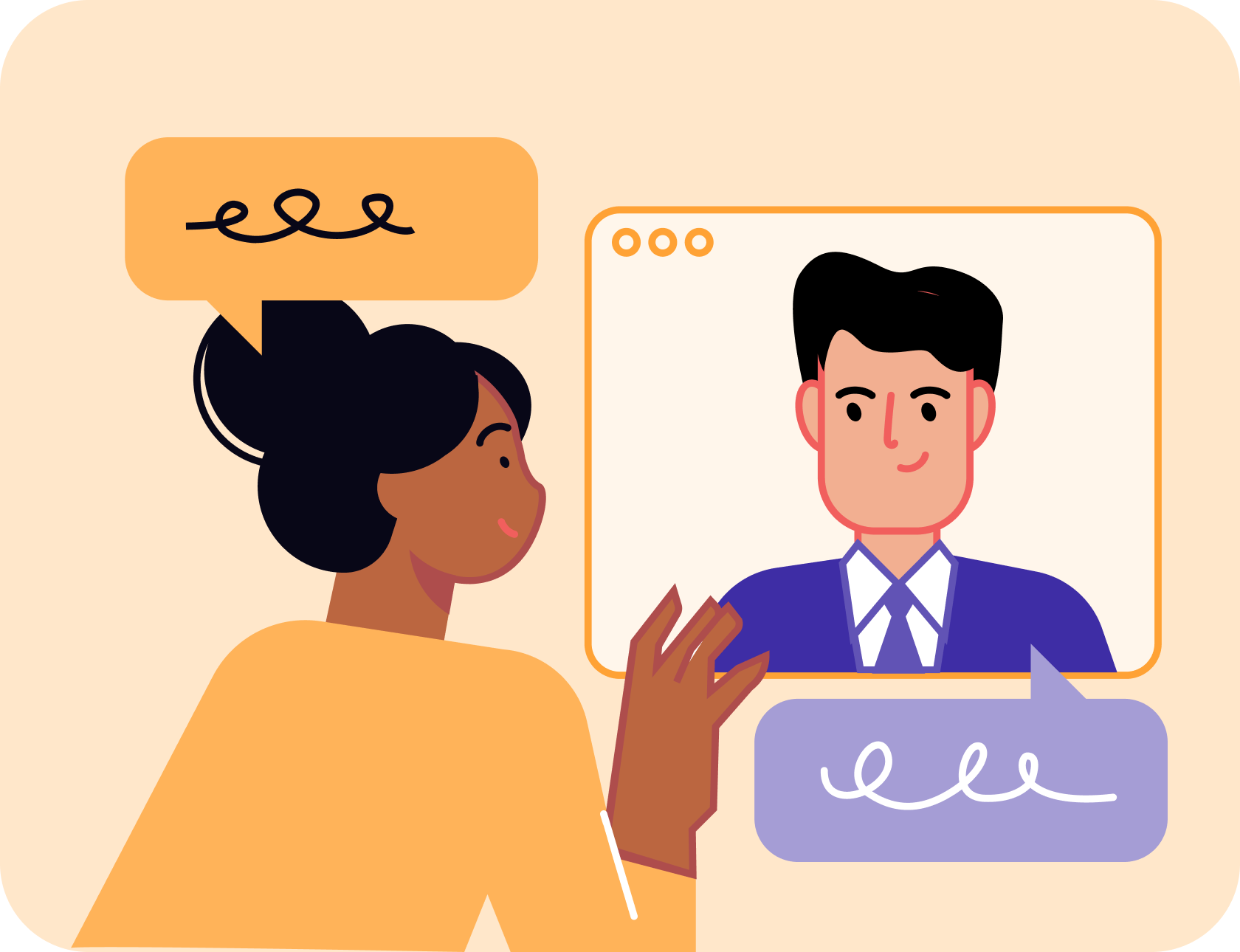
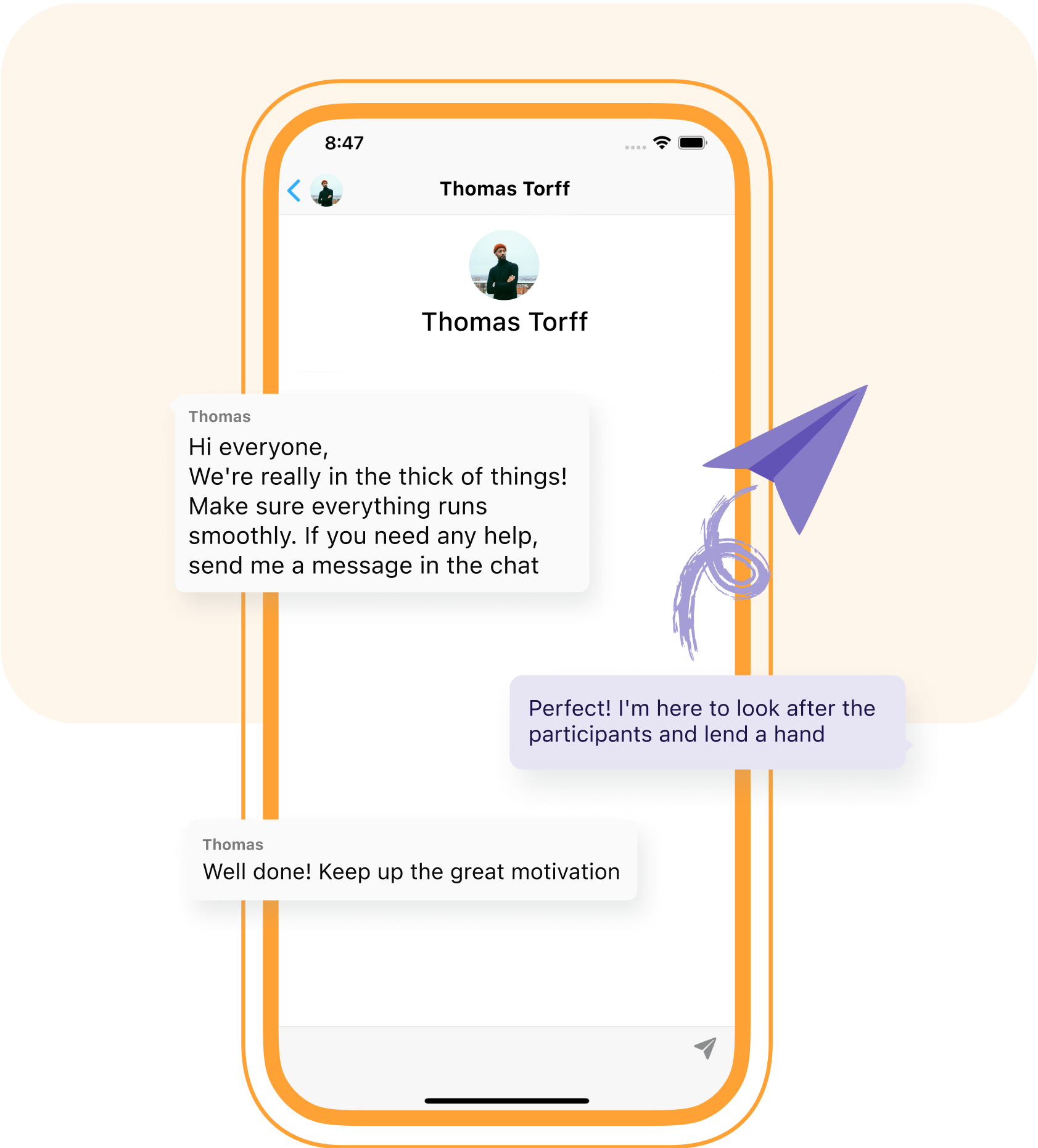
Experience streamlined communication and effortless team connection with a hassle-free solution. Bid farewell to the tedious task of managing emails, text messages, phone calls, and social media platforms. Workstaff's cutting-edge mobile app simplifies this process by offering a centralized hub, ensuring your team is always easily accessible.
1-to-1 Messaging
Stay in touch with your staff daily
Team Conversations
Whose members are automatically added or removed as your team changes
Broadcasts
Send mass messages to all staff
Instant push notifications
To keep your team up-to-date
Workforce Messaging, Centralize Communication
Workstaff's centralized communication tools allow managers and workers to avoid using an array of personal networks to stay in touch.
Easily access all your staff's contact information
Share documents with your teams
Why Use an Employee Messaging System?
Quick booking
Timesheet management
Reminders and notifications
Instant messaging & broadcasts
Various clock in/out modes
Easy staff access to schedules and offers
Mobile app for workers and managers
Availability control
Reports exports
Frequently Asked Questions
What is the Messaging feature in Workstaff?
The Messaging feature centralizes all internal communication directly within the platform. It eliminates the need for scattered emails and text messages by providing a direct, secure channel between managers and staff via the mobile app.
What is the difference between Chat and Broadcasts?
Chat (Instant Messaging) enables bidirectional, back-and-forth text communication with your team. On the other hand, Broadcasts are unidirectional mass messages sent to your entire workforce or a specific group, acting like a direct, wide-scale announcement.
What types of conversations are available in the Chat?
The Chat supports three conversation types: 1:1 chats for private messaging with an individual, Team Chats that automatically sync with the staff booked on a specific project or schedule, and custom Group Conversations that can combine specific managers and staff.
How do replies to Broadcasts work?
Broadcast replies are entirely private. If a staff member replies to your mass message, their response automatically generates a new 1:1 conversation between the sender and the worker. Other recipients of the broadcast cannot see this interaction.
How is the staff notified of new messages?
Staff members are alerted in real-time. When a chat message or Broadcast is sent, workers receive an instant push notification on their mobile device. For Broadcasts, an automated email containing the full message is also sent as a reliable backup.