























Are you an agency looking for better staffing solutions?
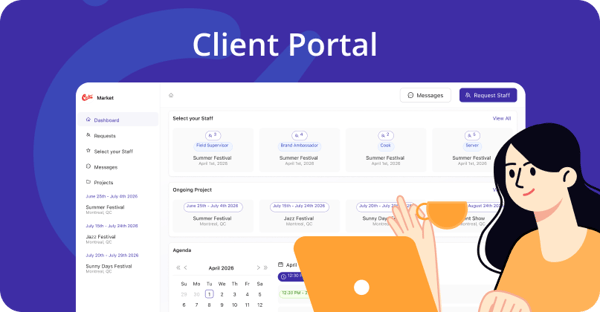
Client Portal: Empower Your Agency Clients
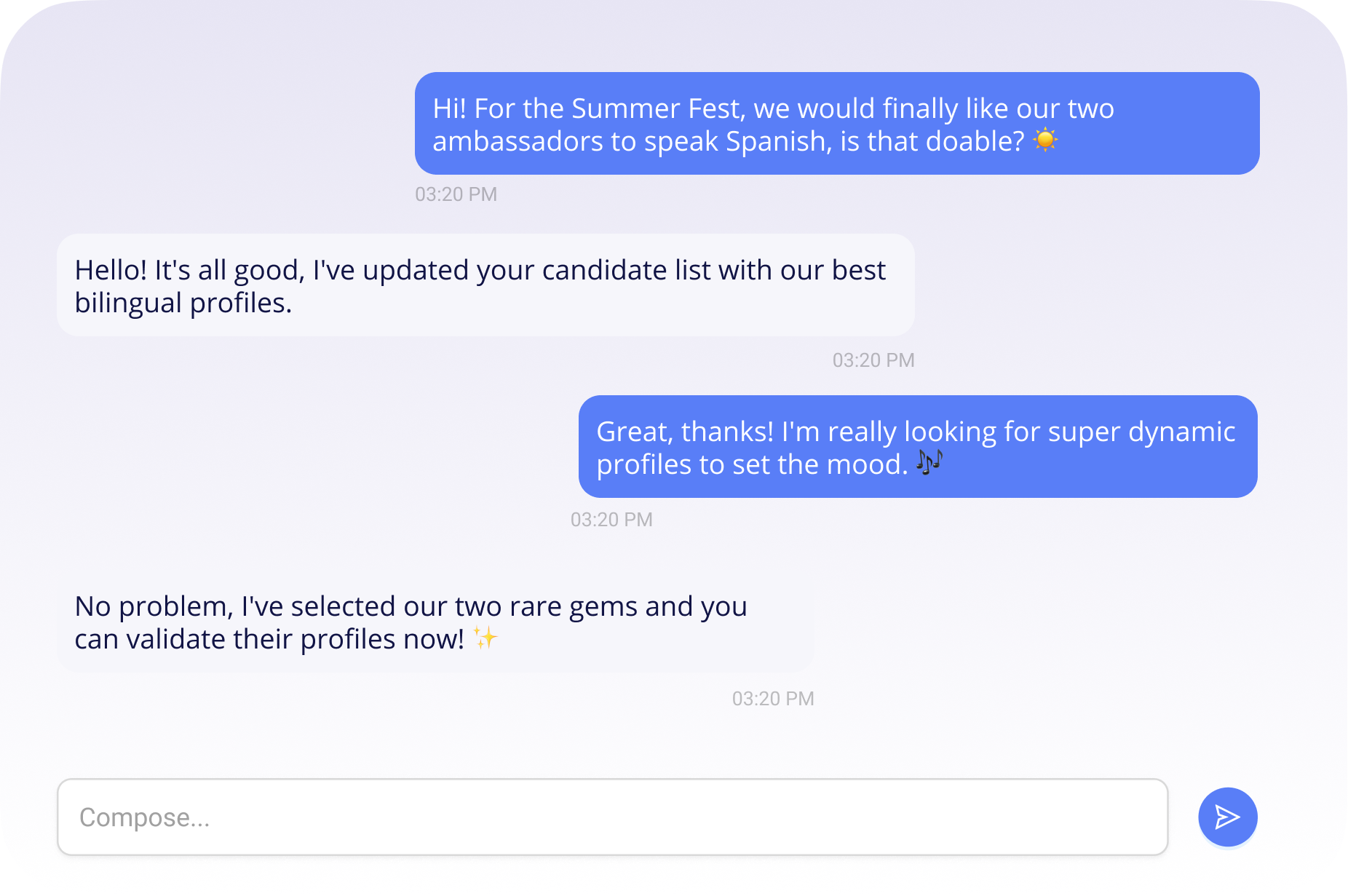
Give your clients a customizable user-friendly portal for effortless project and staff request sharing. Enhance collaboration and satisfaction by offering seamless project updates, instant messaging, and simplified staff request submissions.
Discover the portal in action
See how the client portal transforms staff management and client relationships into a seamless, automated experience.
SOME OF OUR VALUED CUSTOMERS
Receive Staff Requests Directly to Your Workstaff Planning
- Simplified input for your clients
- Automatic calendar updates
- Faster request processing
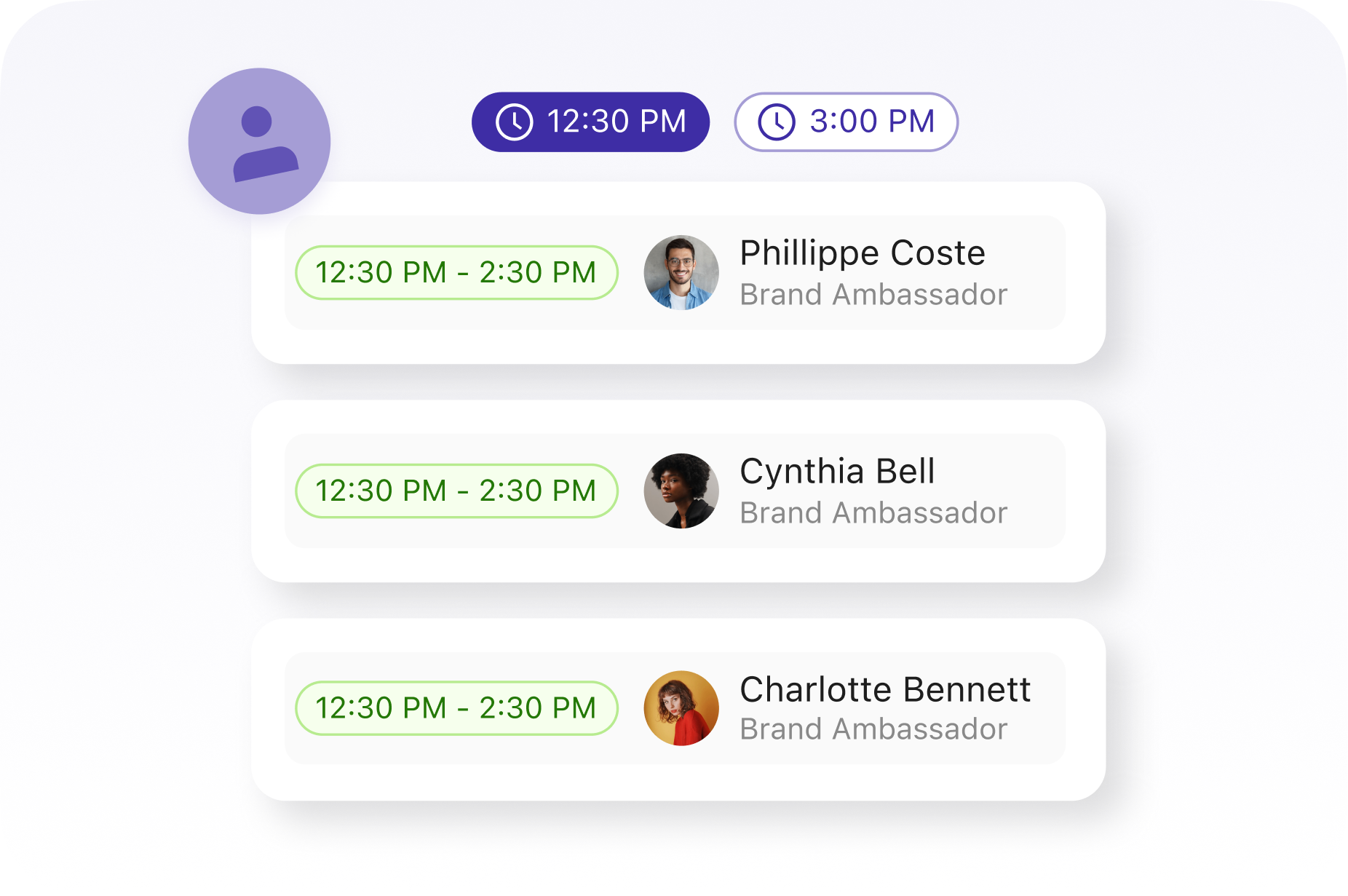
Staff Selection & Qualified Profiles
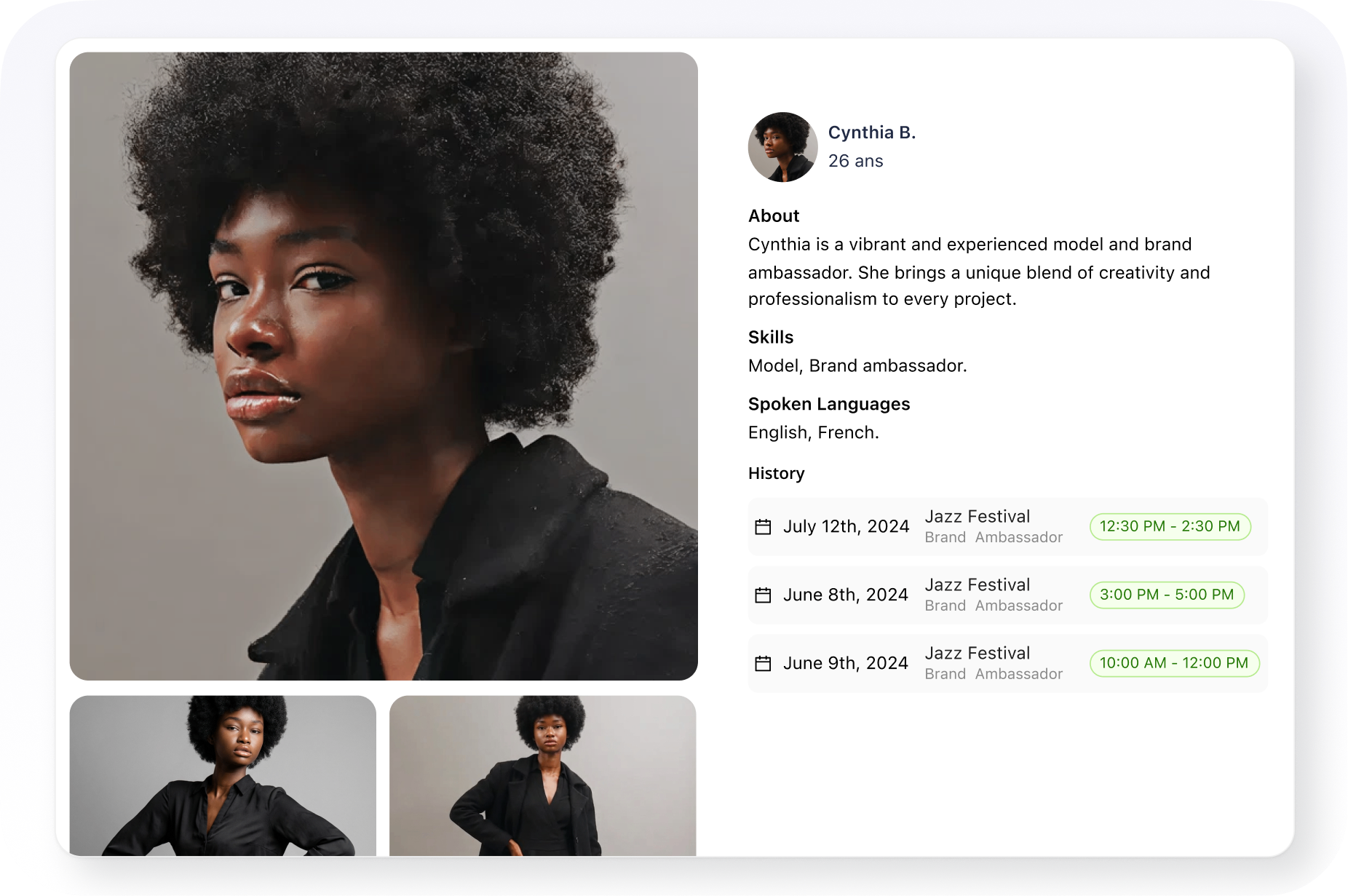
Give your clients the freedom to choose the ideal team. From a list of pre-selected candidates, they can access detailed profiles to identify the talent best suited to their needs. This collaborative approach ensures full satisfaction and simplifies resource management.
- Approve suggested candidates in one click
- Review detailed skills and experience
- Access a complete history of past assignments
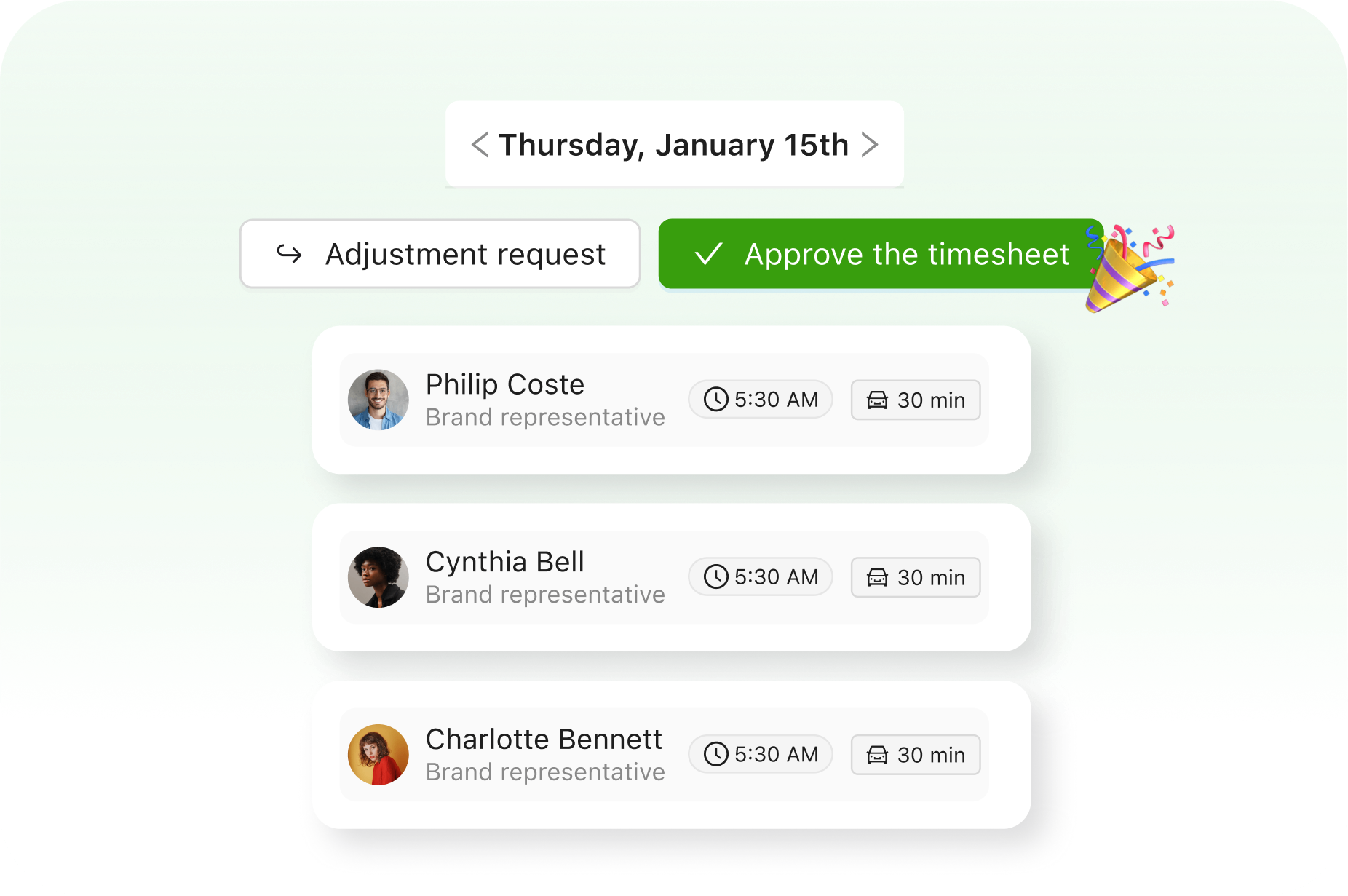
Simplified Timesheet Approval
- Precise tracking of hours by assignment
- Automatic calendar updates
- Faster request processing
Instant Sharing of Team, Pictures, Time and more
Your portal is a direct window for your clients to get full transparency and live updates from your Workstaff operations.

Share Project Progress & Team
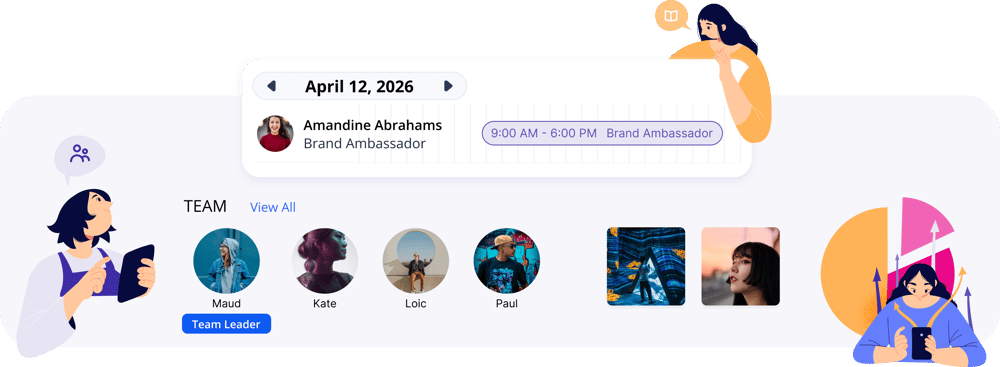
Share real-time project updates on what's being fulfilled, and which people are going to be dispatched for each project. Be in control of how much you want to share for each project, with precise control on the level of transparency you want for each project.
Share Time Report
Instantly share approved hours on your projects with your clients. Remove the friction in preparing project status reports with your clients with your Portal.
Share Pictures From the Field in Seconds
Share field photos with clients instantly, effortlessly showcasing live event buzz and campaign success.
Increased Client Satisfaction & Retention
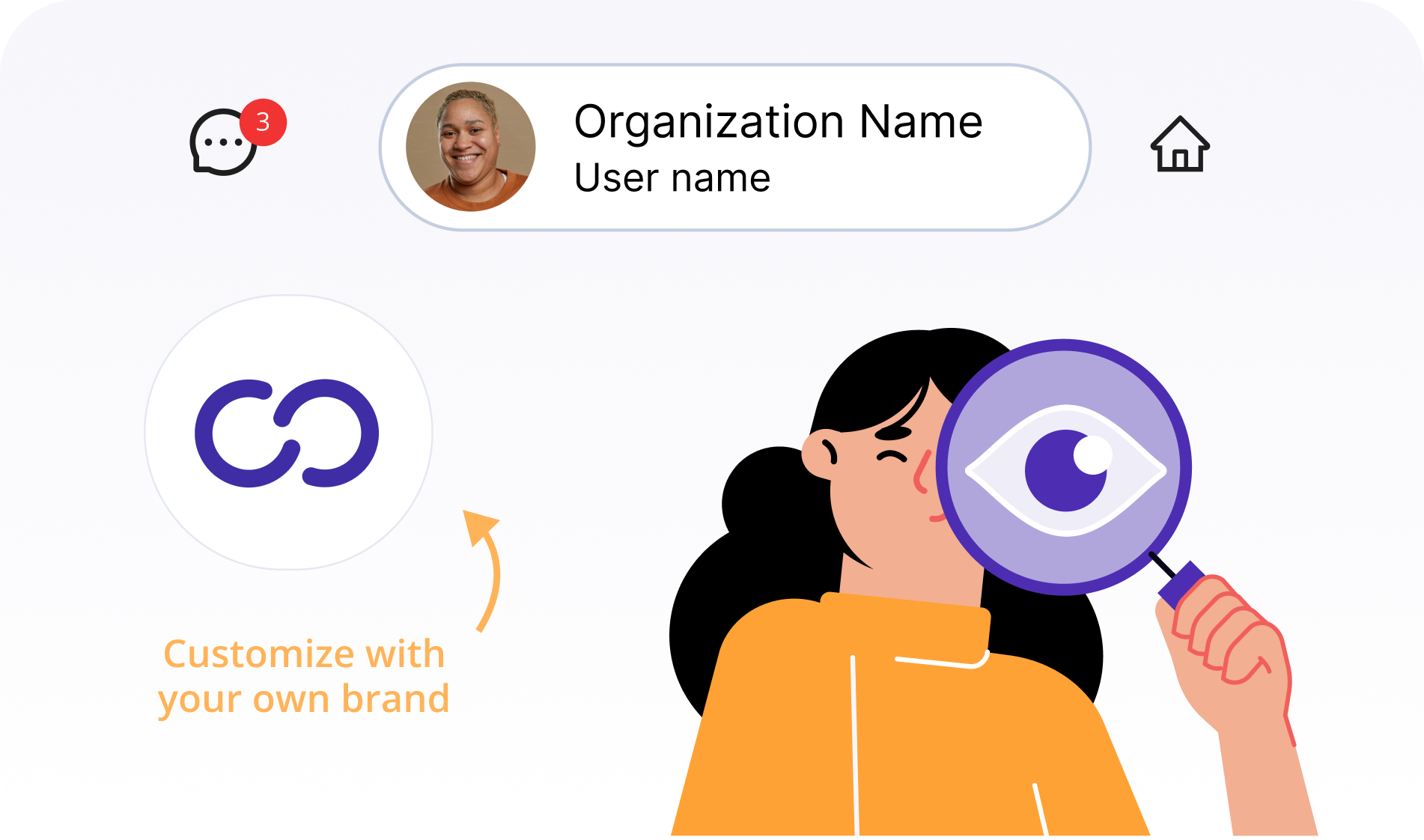
Your portal gets a dedicated website with your name in the address, your own logo and branding. They won’t even know you’re using Workstaff as your magic wand.
- Custom domain
- Your agency logo
- Seamless client experience
Frequently Asked Questions
What is the Client Portal add-on in Workstaff?
The Client Portal is a dedicated online dashboard you provide to your clients. It allows them to view their ongoing projects, submit requests for staff (Mandates), and track operational progress in real-time, thereby enhancing the transparency and professional image of your services.
How do I invite a client to access the portal?
You invite clients from the Clients section in Workstaff. By clicking on a client's profile, you select Enable access for this client. The system generates a unique registration link that you can email to them. Upon their first login, their status automatically changes from Invited to Active.
How does the staff request process (Mandates) work?
The process is managed in the Mandates section. When a client submits a request via their portal, you are notified, and it appears under Mandates to review. You can review the details and choose to Accept (which automatically builds a project) or Reject it. Note: An auto-accept option is also available per client.
Can a client modify their mandate request?
Yes, but only before it is approved. As long as the mandate is pending, the client can edit it in the portal. Once approved, the mandate is locked. If they need more staff, they must submit a new request from the existing project. If they need fewer staff, they must use the internal messaging system to contact the manager.
What project information can I share with my clients?
You have full control over the Sharing options. Within the project settings, you can customize exactly what the client sees on their portal. You can toggle options such as Sharing staff profile pictures, Sharing the confirmed team immediately, and Sharing the time report.